For Android & iOS · 4.7★ on the Play Store
The ComeliveIPL App
Live scores, fantasy lock-in timers, captain picks, contest entry and the newsroom desk — all in one app, optimised for low-bandwidth Indian networks.
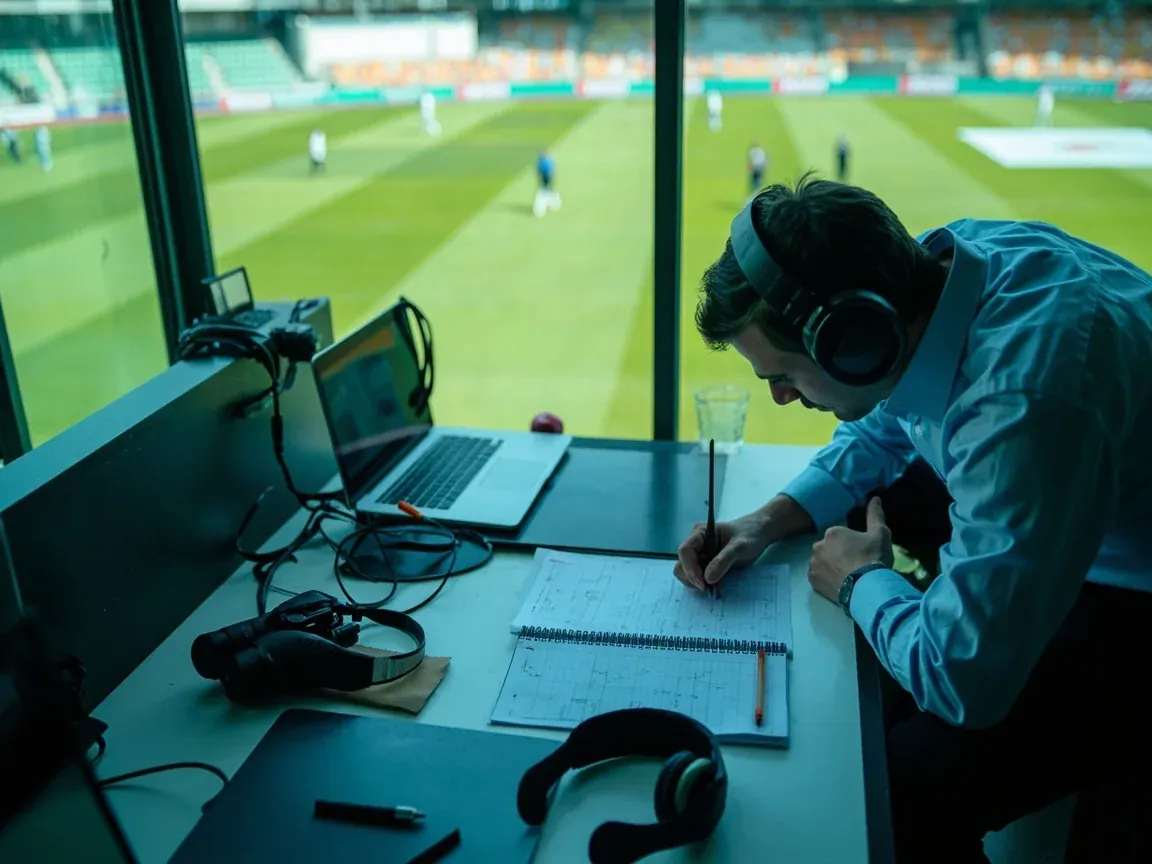
Live scores, fantasy lock-in timers, captain picks, contest entry and the newsroom desk — all in one app, optimised for low-bandwidth Indian networks.
Ball-by-ball scores, fall of wickets, projected totals and DLS par score. Updates every 30 seconds on a 3G connection.
See live centre →Lock-in timers, salary-cap tracker, captain & vice-captain selection and the live points dashboard once the match starts.
Open fantasy desk →Toss alerts, wicket alerts for your watched players, milestone alerts and the 10-minute lock-in warning.
Notification settings →Match reports, squad updates and the daily fantasy digest, all delivered inside the app.
Browse newsroom →Live IPL standings, NRR calculations and form guides. Updated within 30 minutes of each match.
View standings →Career stats, recent form and the role context you need before any fantasy pick.
Browse players →Android users can install from Google Play or from the direct APK link on the download page. iOS users go through the App Store.
On first launch, grant notification access. Toss alerts and lock-in warnings are the two most useful signals the app sends.
Mobile OTP verification takes under a minute. PAN + KYC can be completed later, before the first withdrawal.
Every offer and code has an eligibility block listing state, KYC and wagering requirements. Skim it before you deposit — a mismatch between offer and account status is the most common reason for a bonus not landing.
Why eligibility matters →Use only the contact channels listed on this site. We never ask for OTPs or passwords over phone, email or SMS — any such request is a phishing attempt and should be reported to customer care.
Report phishing →The app has built-in tools for deposit caps, time alerts and self-exclusion. The desk recommends setting a deposit cap before your first contest — not after a losing streak.
Open the limits screen →The toss alert fires within 60 seconds of the on-field coin flip. It includes the captain’s decision (bat or bowl), the playing XI and any late changes from the squad list. Most users treat this as the single most important notification the app sends, because it determines whether your locked XI is still optimal.
Notification settings →The wicket alert fires for any player in your watched list. Use it during the second innings when a key batter is at the crease and a wicket would change the captaincy calculus. The alert includes the batter, the bowler, the dismissal type and the new batter walking in.
Set up watchlist →The lock-in warning fires 10 minutes and 2 minutes before lock. The 2-minute alert includes a visual countdown timer and locks down editing on the XI screen. If you have not finalised your captain pick by the 2-minute alert, you are guessing.
Lock-in walkthrough →Low data mode reduces the live scoreboard refresh payload from 240 KB to 96 KB per minute. Turn it on in Settings if you are on a 3G connection or a limited data plan. The trade-off is a 30-second instead of 5-second refresh interval.
Data usage breakdown →The app is built to use under 4% battery per hour on a typical mid-range Android device during live match viewing. The major savings come from disabling background sync on the lock screen and batching notification refreshes.
Battery settings →The app caches the last 24 hours of editorial coverage and fantasy desk notes for offline reading. Useful for users who commute through tunnels or have patchy coverage in stadium queues.
Offline cache size →Yes. The ComeliveIPL app is free to download and free to use. Entry to paid contests requires a verified account and a deposit.
Yes. The app is built for low-bandwidth Indian networks. Live scores update every 30 seconds on 3G and every 5 seconds on Wi-Fi or 4G.
Visit the /apk-download/ page for the latest signed APK. Do not install the app from any third-party link — only the official link is verified.
Yes. The iOS build is universal and runs in native resolution on iPad, including split-view multitasking on supported devices.